
Book Outline Template: A Chapter-by-Chapter Plan
A good nonfiction outline is a list of reader questions, one chapter each. Copy this template, fill it in, and the outline becomes your table of contents.
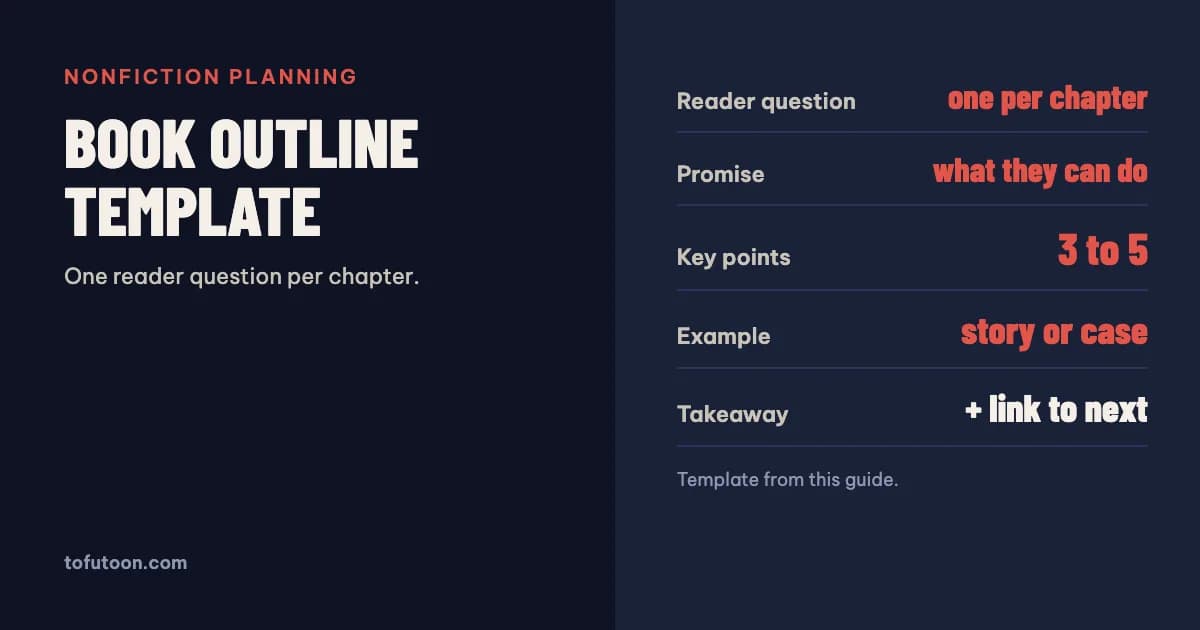
A book outline template is a fill-in plan of your book: one line on who it is for and what it promises, then one block per chapter with the reader’s question, the key points, an example and the takeaway. For nonfiction, a finished outline is also a draft table of contents. Below is a template you can copy into any word processor, the order of front and back matter that print books follow, and how to set the outline up so it turns into a clean manuscript.
What is a book outline?
A book outline is a structured plan of a book’s content, written before the draft, that fixes what each chapter covers and in what order. For nonfiction it works best as a sequence of reader questions: if a reader picks up a book on bookkeeping for freelancers, chapter one answers “Do I need a separate account?”, chapter two “What records must I keep?”, and so on, until the last chapter leaves them able to act. The outline is not a contract. Its job is to catch three problems before you draft them: chapters that overlap, a missing step that the reader needs in the middle of the book, and a book that drifts away from its promise halfway through. It also makes the size of the job visible. With the chapters listed, you can set a target length for each one and see whether the whole book fits the reader’s attention, and your schedule.
What goes in a nonfiction book outline template?
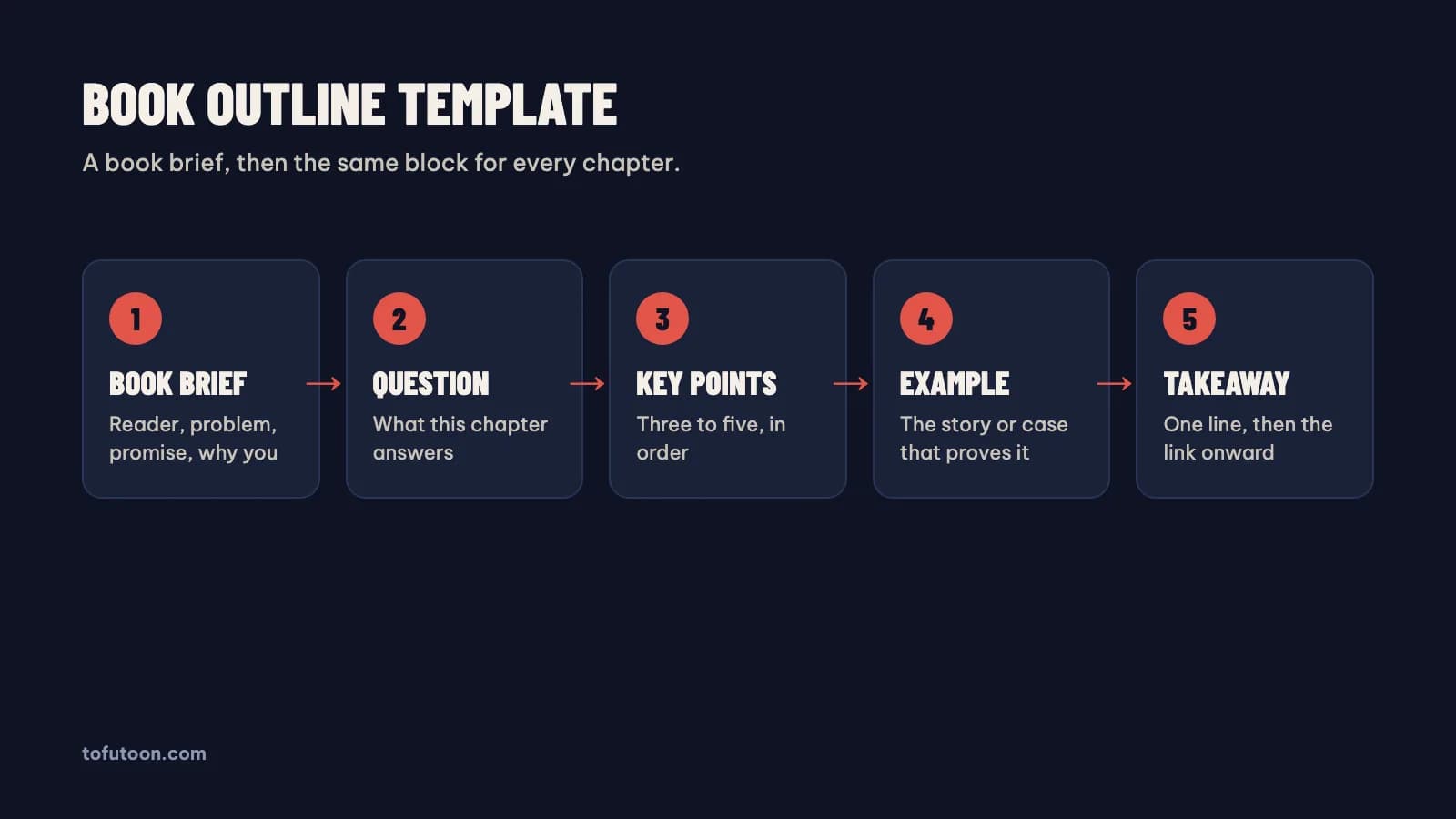
Start with a one-page book brief: working title, the reader in one sentence, the problem they have, the promise of the book (what they can do after reading), and the reason you are the person to write it. Then add one block for each chapter with the same fields. Chapter title, written as plainly as possible. Reader question: the one thing this chapter answers. Promise: what the reader can do at the end of it. Key points: three to five, in order. Example or story: the case, data or experience that proves the point. Takeaway: a one-line summary, or an exercise. Link: why the next chapter follows. Keep each block short enough to fit on a screen; long blocks are a sign the chapter is really two. When every chapter has a question and a promise, read only those two lines from top to bottom. If they form a path from the reader’s problem to the book’s promise, the outline works.
In what order do front and back matter go?
The outline should include the parts around the chapters, because they affect length and order. KDP’s help page on interior elements gives the usual front matter order: half title, title, copyright, reviews and praise, dedication, table of contents, preface, acknowledgments, prologue, introduction (KDP: Format Front Matter, Body Matter, and Back Matter). Most nonfiction books use only some of these: a title page, a copyright page, the contents and an introduction are the common core. In the body, part pages can group chapters into sections. Back matter follows the last chapter and usually includes references or a bibliography, an author bio and, for reference books, an index. In a print book the first back-matter section starts on a right-hand page. Put these items in the outline as their own lines, even if they are one sentence for now, so nothing is forgotten when the manuscript is laid out.
How do you turn the outline into a manuscript?
Set the outline up in your word processor with styles from day one. Type each chapter title as Heading 1 and each section inside it as Heading 2, and write the draft directly under those headings. That habit pays off at the end. KDP’s eBook guide recommends applying Heading 1 to chapter titles because it helps build the table of contents (KDP: eBook Manuscript Formatting Guide), and calibre generates an eBook table of contents from Heading 1 and Heading 2 styles when it converts a Word file (calibre: Convert Microsoft Word documents). In Word’s Navigation Pane the headings also show the outline beside the draft, so you can drag chapters into a new order while writing. Avoid typing chapter titles in bold by hand: they look the same, but no tool can read them as structure, and the contents page will come out empty.
FAQ
How detailed should a book outline be?
Detailed enough that each chapter has a question, a promise and its key points, and short enough that the whole outline fits in a few pages. If a chapter block needs more than a screen, split it. The draft will change the outline; that is normal.
Is a book outline the same as a table of contents?
A table of contents lists the chapter titles and page numbers. An outline adds the purpose and content of each chapter. For nonfiction, a finished outline’s chapter titles usually become the table of contents.
Next step: when the draft is done, read How to format a book in Word for a KDP paperback and pick a page size in the free KDP trim size guide. If you write in plain text, the TXT to EPUB converter turns chapters into an eBook in your browser. Headings set up from the outline are exactly what our book formatter reads: a pay-once Windows and Mac app, in development, that builds the contents, print PDF and EPUB from them, offline. It is not out yet; join the waitlist.