
How to Edit an EPUB File: Sigil, calibre and Metadata
An EPUB is a ZIP of web pages, so free desktop tools can edit it directly, though fixing the source is often the better route.
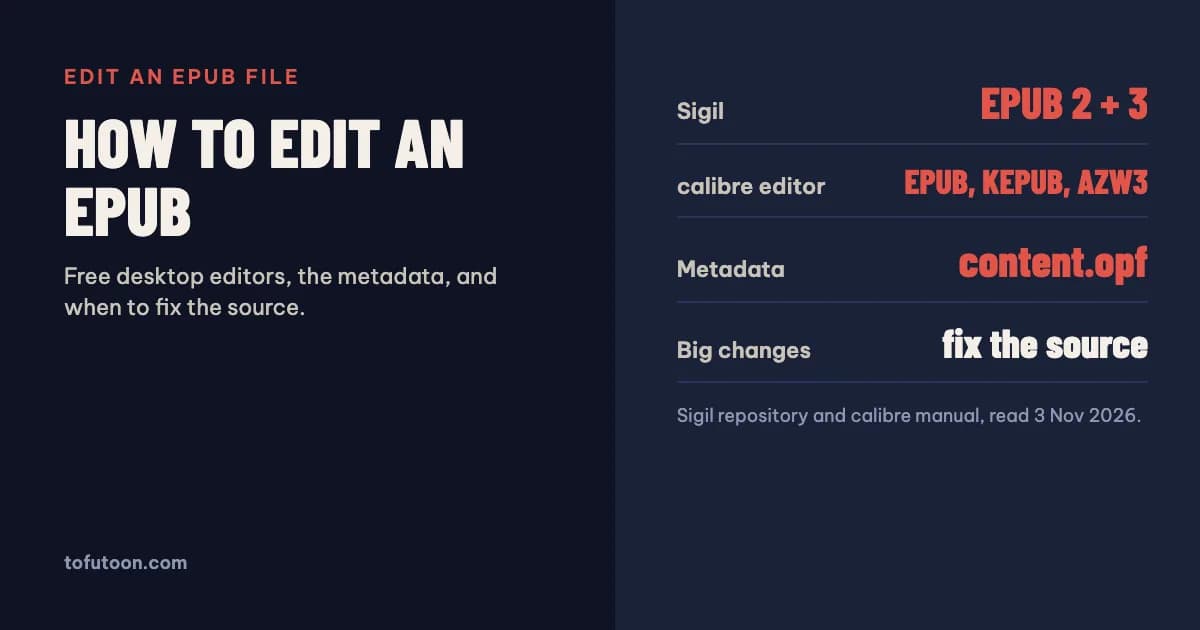
To edit an EPUB file, open it in a dedicated EPUB editor such as Sigil or calibre’s Edit book tool. Both are free desktop apps that show the HTML and CSS inside the book with a live preview, so you can fix text, styles, images, the table of contents and the metadata, then save back to EPUB. For anything bigger than a few fixes, editing the original manuscript and exporting again is usually faster.
What is inside an EPUB you can edit?
An EPUB file is effectively a ZIP file with identifying metadata, according to W3C’s EPUB 3 Overview (W3C: EPUB 3 Overview). Inside, each chapter is an XHTML file styled with CSS, and the images and fonts sit alongside. The package document, usually called content.opf, holds the book’s metadata, lists every file and sets the reading order. A navigation document provides the table of contents; EPUB 2 books use a toc.ncx file instead, and some EPUB 3 files keep one as well for older reading systems. Editing an EPUB therefore means editing web files. Small text corrections need no coding knowledge, but layout fixes do: the calibre manual says that for anything more sophisticated than a few small tweaks you will need to know HTML and CSS. That is the honest dividing line between “edit the EPUB” and “fix the manuscript”. A typo is quick to correct in either place; a chapter heading style that is wrong in thirty files is better fixed once in the source.
Which free EPUB editors are there?
Two free, open-source desktop editors cover most needs. Sigil is a multi-platform editor designed for EPUB, and it edits both EPUB 2 and EPUB 3 (Sigil on GitHub); it is built on Qt6, runs on Windows, Mac and Linux, and is extended through plugins listed on the MobileRead forums. calibre’s editor works on EPUB, KEPUB (Kobo) and AZW3 (Kindle) files, and you open it by right-clicking a book in calibre and choosing Edit book (calibre: Editing e-books). Both show the files on the left, the code in the middle and a live preview, and both offer search and replace across the whole book. Online EPUB editors also exist, but they upload your file to someone else’s server. For a book that is not yet published, or one you are under contract for, a desktop editor keeps the manuscript on your own computer.
How do you edit text, styles and the cover?
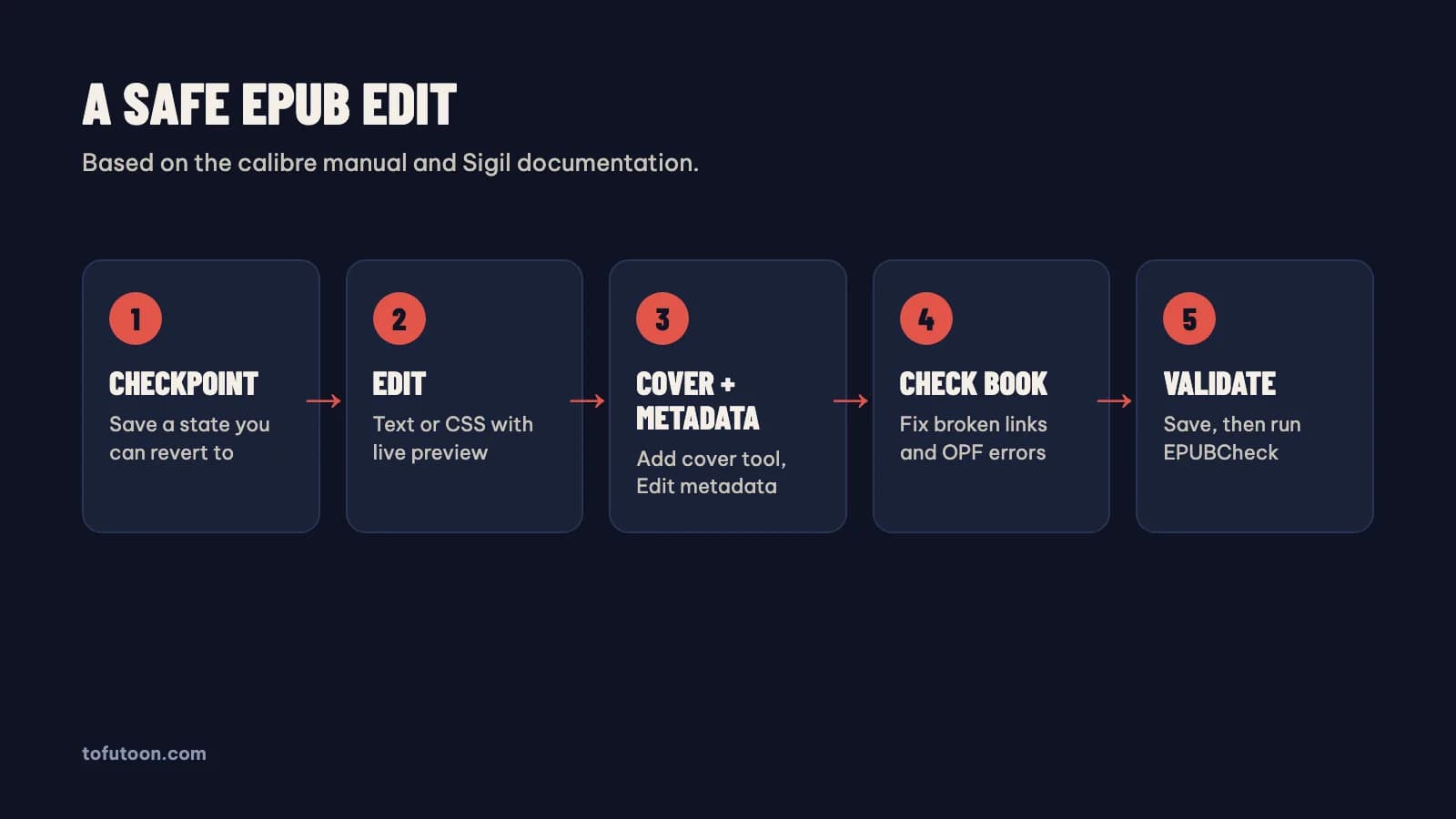
Make a safety copy first. calibre creates checkpoints automatically whenever you run an automated tool, and you can make one by hand with Edit → Create checkpoint and go back with Edit → Revert. Then double-click a chapter file to edit it; the preview updates as you type, and File → Save writes the changes into the book. Use search and replace for repeated fixes, such as straight quotes, double spaces or a misspelled name, and the Table of Contents editor (Tools → Table of Contents) to rebuild chapter links. Tools → Add cover inserts a new cover image, generates its HTML wrapper and marks it correctly in the OPF file. Before saving, run Tools → Check book: it reports malformed HTML, invalid CSS, broken links, unreferenced files and OPF problems like duplicate manifest items, and offers an auto-fix for many of them. Finish with the official EPUBCheck validator.
How do you edit EPUB metadata?
Metadata is the title, author, language, identifier, publisher, description and subjects stored in the OPF file. In calibre, the easiest way is the library’s Edit metadata dialog, then saving the book again so the new values are written into the file; in Sigil, the Metadata Editor changes the same fields. You can also edit content.opf by hand, but keep the unique identifier stable once a book is published, because it marks every later version as the same publication. Keep it consistent with the store listing: KDP says the title field should contain only the actual title as it appears on the cover, and that title information in the manuscript must match the metadata you enter (KDP: Metadata Guidelines for Books). If the EPUB carries an ISBN, use the ISBN of the eBook edition, not the paperback’s. Check that the language code matches the language of the text as well.
FAQ
Can I edit an EPUB in Word?
Not directly; Word does not open EPUB files. You can convert the EPUB to a Word document, edit it there, and export a new EPUB. That route rebuilds the file, so check images and the table of contents afterwards.
Can I edit an EPUB I bought?
Purchased eBooks are often protected with digital rights management, and editing or converting them is outside the scope of this guide. The tools here are for files you wrote or have the rights to.
Next step: to turn an EPUB into an editable document, use the free EPUB to Word converter, and to rebuild a clean file from text, use TXT to EPUB. After editing, validate the result as described in EPUBCheck: how to validate an EPUB. Fixing the manuscript once and exporting a fresh EPUB is the workflow behind the book formatter we are building, a pay-once Windows and Mac app that works offline. Until it ships, you can join the waitlist.