
What Is EPUB 3? Versions 3.0 to 3.4 Explained
One format, several spec versions. What sits inside the file, where 3.3 and 3.4 stand at W3C, and what that means for authors.
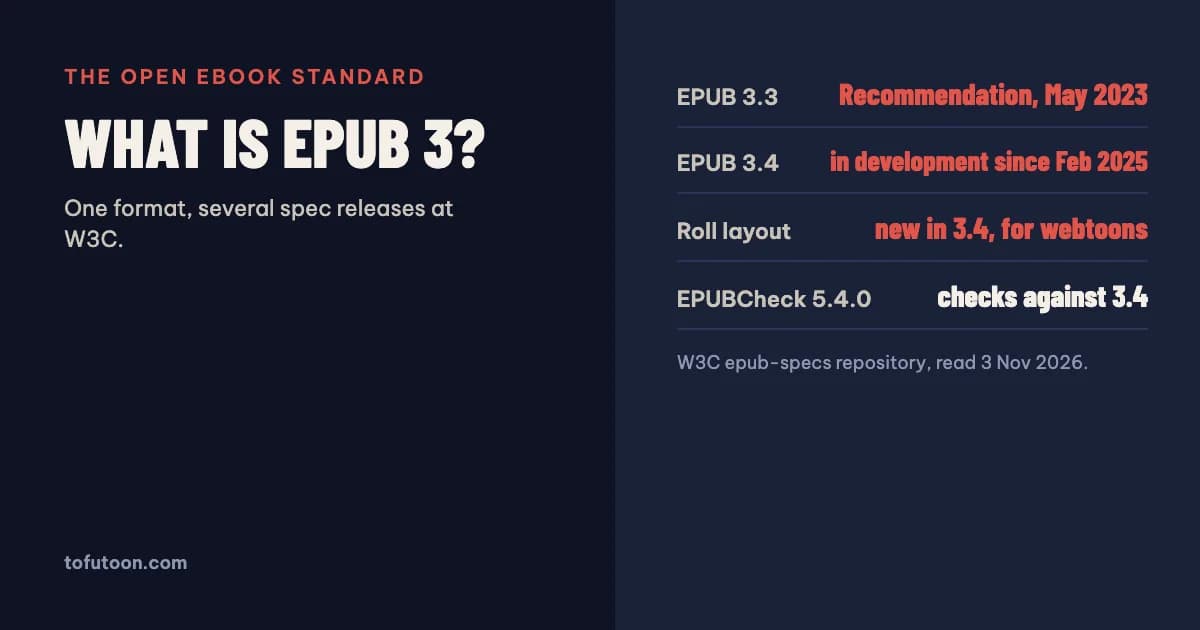
EPUB 3 is the open standard format for eBooks, maintained by the World Wide Web Consortium (W3C). An EPUB 3 file is a ZIP package of web content (XHTML, CSS, images, fonts) plus a package document with the metadata and reading order, and a navigation document with the table of contents. The current W3C Recommendation is EPUB 3.3, published on 25 May 2023; EPUB 3.4 has been in development since February 2025.
What is an EPUB 3 file made of?
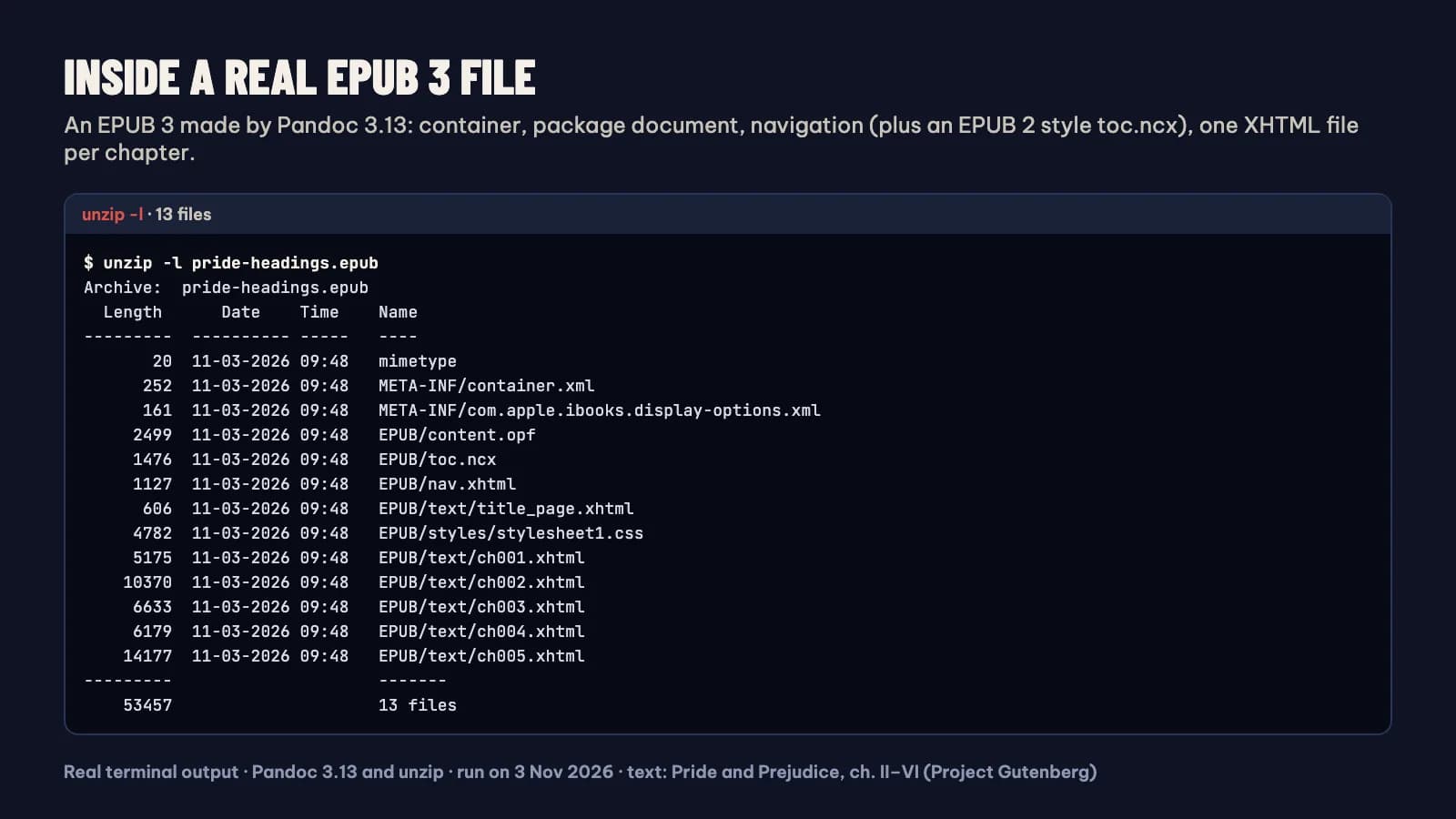
An EPUB file is effectively a ZIP file with some identifying metadata, according to W3C’s EPUB 3 Overview (W3C: EPUB 3 Overview). Inside are three kinds of parts. The package document (the OPF file) holds the metadata such as title, author, language and identifier, lists every resource in the book, and sets the order in which the content documents are read, called the spine. The navigation document is an XHTML file with the table of contents, which reading apps use for their chapter menu. The content documents are the chapters themselves, written in XHTML or SVG, styled with CSS, and linked to images, fonts and other media. Because the content is web technology, EPUB 3 supports vertical and right-to-left writing, MathML for maths, audio and video, and accessibility features. Rename a copy of an .epub file to .zip and you can open it and see these files. An EPUB 3 that Pandoc 3.13 made in our test on 3 November 2026 held 13 files: the mimetype file, META-INF/container.xml, an Apple Books display-options file, the package document content.opf, nav.xhtml, a toc.ncx kept for older EPUB 2 reading systems, one stylesheet, a title page and one XHTML file per chapter.
What is the difference between EPUB 3.3 and 3.4?
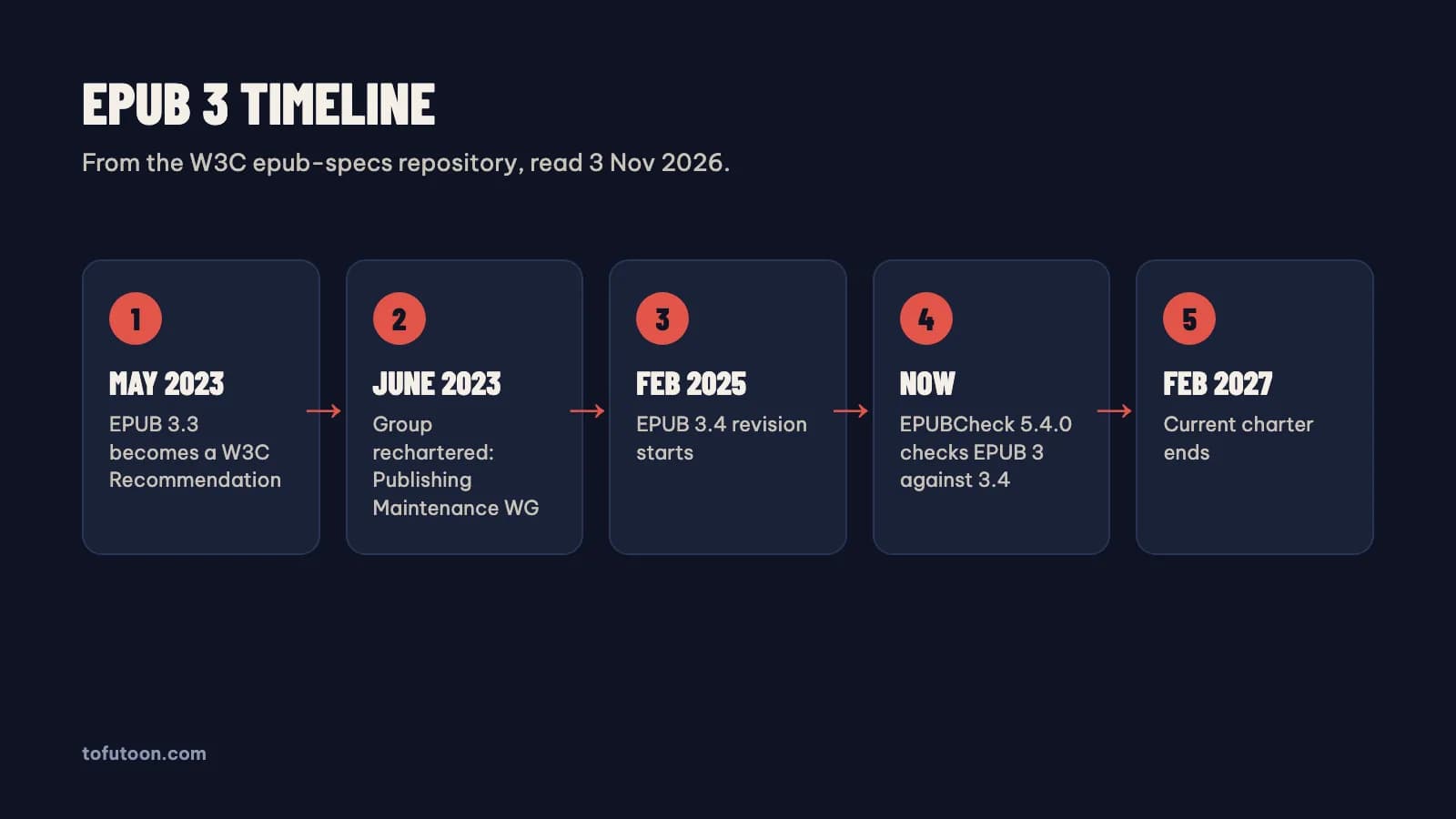
“EPUB 3” is the format; 3.0, 3.2, 3.3 and 3.4 are releases of its specification. W3C’s overview explains that each new release does not create a new format, and the working group tries not to invalidate older content, so a book made to EPUB 3.0 should also be valid under 3.4. EPUB 3.3 became a W3C Recommendation on 25 May 2023 (W3C: EPUB 3.3). In June 2023 the group was rechartered as the Publishing Maintenance Working Group, and the EPUB 3.4 revision started on 11 February 2025, chartered to run until 5 February 2027 (W3C epub-specs repository). In that repository, EPUB 3.4 and EPUB Reading Systems 3.4 are listed as editor’s drafts on the Recommendation track. The checker has already moved: EPUBCheck 5.4.0 validates EPUB 3 files against the EPUB 3.4 specification (w3c/epubcheck).
How does the new roll layout in EPUB 3.4 work?
Roll is a new fixed-layout mode in EPUB 3.4, designed for content such as webtoons. EPUB already had pre-paginated fixed layouts, where each document is one page that the reading app scales to the screen, as used for children’s books, comics and cookbooks. In a roll layout, the reading app fits each document to the width of the screen and shows them in one continuous vertical strip with no visible gaps. The overview is candid about timing: roll layout is new in EPUB 3.4, and it will take some years before it is available in major reading systems. For creators this is a signal, not a tool for today. A vertical comic packaged as a roll EPUB will display as intended only in apps that implement it, so for now the usual pre-paginated or image-based formats remain the safe choice.
Which EPUB version should authors target?
For a normal reflowable book, target EPUB 3 and stop worrying about the minor number. Build a valid EPUB 3 file with clean XHTML, a navigation document and complete metadata, then check it with EPUBCheck, the official conformance checker maintained by the DAISY Consortium on behalf of W3C. Amazon accepts EPUB for Kindle books alongside DOCX and KPF, as long as it meets the Kindle Publishing Guidelines (KDP: supported eBook formats), and the same EPUB 3 file can go to Apple Books, Kobo and Google Play Books. EPUB 2 files still exist, and tools such as Sigil edit both versions, but new books gain nothing from EPUB 2. Avoid features that reading apps support unevenly, such as scripting or the new roll layout, unless you know your readers’ apps handle them. A plain, valid file reaches the most readers.
FAQ
Is EPUB 3 backward compatible with EPUB 2?
Not exactly. The EPUB 3 rules changed the navigation and package rules, so an EPUB 2 file is not automatically valid EPUB 3. Converters such as calibre can upgrade a book’s internals from EPUB 2 to EPUB 3. Within EPUB 3, newer spec releases aim to keep older EPUB 3 books valid.
Does Kindle support EPUB 3?
KDP accepts EPUB uploads for Kindle eBooks and converts them for Kindle devices and apps, and Send to Kindle accepts EPUB files. Kindle no longer needs MOBI for either.
Next step: to make a clean EPUB 3 from plain text, use the free TXT to EPUB converter; to get an EPUB back into an editable document, use EPUB to Word. For what Kindle accepts today, read EPUB or MOBI for Kindle. Want a valid EPUB 3 without touching XHTML? That is the aim of the pay-once book formatter we are building for Windows and Mac: a reflowable EPUB 3 that passes EPUBCheck, plus a print PDF, from one Word manuscript, offline. It is not out yet; join the waitlist.