
EPUB to Kindle: Do You Still Need MOBI in 2026?
Converting EPUB to MOBI is a habit from an older Kindle era. What KDP and Send to Kindle accept today, with the dates Amazon changed it.
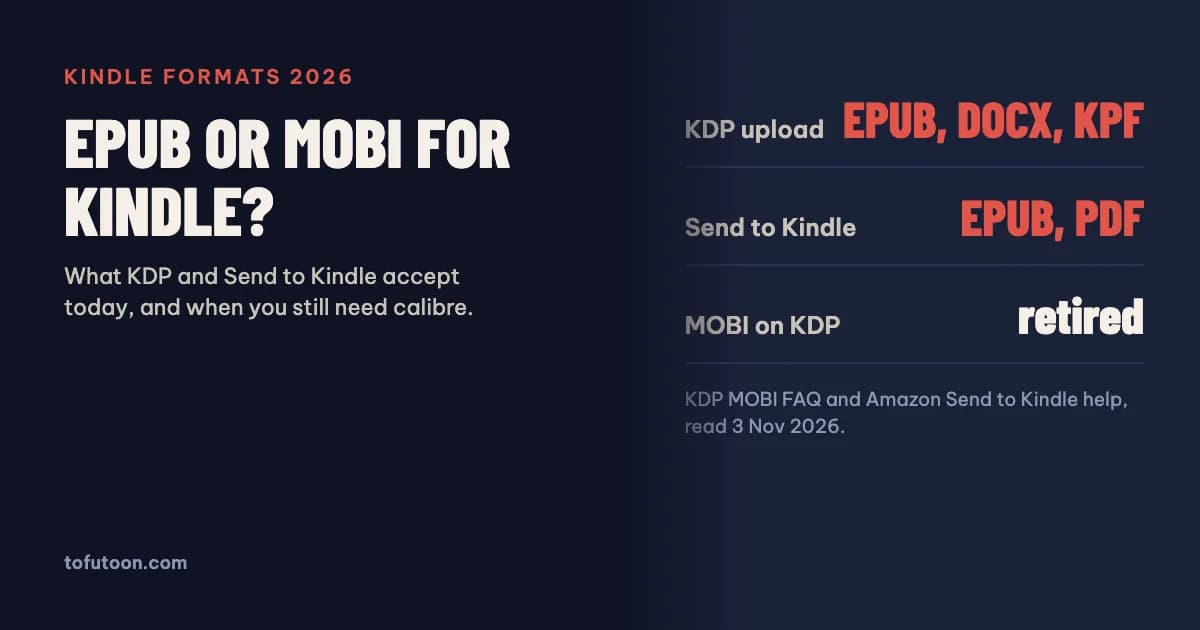
Getting an EPUB to Kindle no longer needs a MOBI file. To publish on Amazon, KDP accepts EPUB, DOCX or KPF, and it stopped accepting MOBI for reflowable eBooks on August 1, 2021 and for fixed-layout eBooks on March 18, 2025. To read your own file on a Kindle, Send to Kindle accepts EPUB and PDF, and MOBI is not on its list. In most cases the right “Kindle format” for an EPUB is the EPUB itself.
Does Kindle still use MOBI?
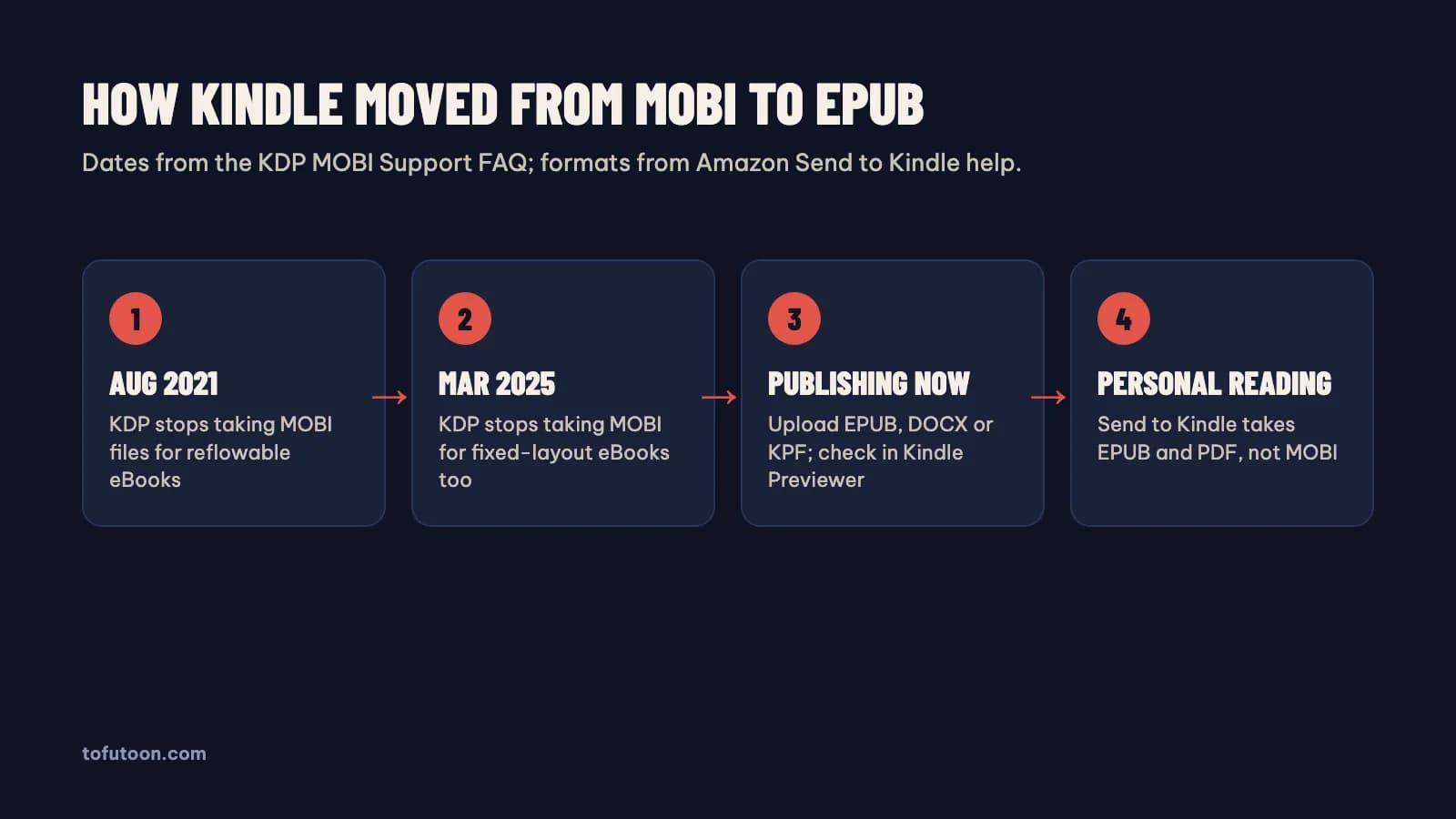
MOBI is an older eBook format that Amazon used for Kindle books for years, and Amazon has now retired it for publishing. According to the KDP MOBI Support FAQ, KDP no longer supports MOBI files for fixed-layout eBooks as of March 18, 2025, and this “completes our transition away from the MOBI format”, after support for reflowable MOBI books ended on August 1, 2021 (KDP: MOBI Support FAQ). For both reflowable and fixed-layout eBooks, KDP now asks for EPUB, DOCX or KPF, and for horizontal episodic manga it takes JPG images or an EPUB. Kindle devices and apps still display books; Amazon converts uploaded files into its own delivery format on its side. So the job of turning an EPUB into MOBI before upload, which many older guides still describe, is no longer part of publishing on Kindle.
Which file should you upload to KDP?
The file to upload to KDP is the one that keeps your structure best. KDP lists three recommended formats (KDP: supported eBook formats). Microsoft Word (DOC/DOCX) converts well in most cases, though KDP warns that files with complex formatting may not. KPF is the Kindle Package Format made by Kindle Create, Amazon’s free formatting tool, which handles typesetting for all Kindle devices. EPUB is accepted when it meets the Kindle Publishing Guidelines, and KDP suggests checking it in Kindle Previewer before upload. KDP also accepts HTML, RTF, TXT and PDF, but PDF only for a limited set of languages, and PDF is a poor source for a reflowable eBook. A clean EPUB has one advantage: the same file can also go to Apple Books, Google Play Books and Kobo, so one export serves every store.
How do you send an EPUB to a Kindle?
To read your own EPUB on a Kindle, send the EPUB directly; there is no need to convert it first. Amazon’s Send to Kindle help lists the supported file types as HTML, RTF, TXT, JPEG, GIF, PNG, BMP, PDF and EPUB (Amazon: Send to Kindle). There are five ways in: Send to Kindle for Web, which takes documents of 200 MB or smaller; the Kindle app for iOS and Android; email to the Send to Kindle address of your device; the Send to Kindle desktop app for Mac and Windows; and a Chrome extension for web articles. Turn on “Add to your library” so the file is available on every Kindle device and app linked to your account. Amazon also notes that documents sent this way are protected with end-to-end encryption. An EPUB arrives as reflowable text, so font size and line spacing can be changed on the device.
When is calibre still useful for Kindle files?
Calibre is a free eBook manager whose converter reads one format into XHTML, transforms it and writes another format; its manual recommends converting to EPUB or AZW3 and then using calibre’s Edit book feature to fix the result (calibre: E-book conversion). That makes calibre useful in three situations: turning your own DOCX, HTML or TXT into an EPUB, cleaning up an EPUB that Kindle Previewer or a store flags, and producing AZW3 for an older device that cannot open EPUB through Send to Kindle. It is not needed to make MOBI for KDP, because KDP no longer accepts MOBI. This guide only covers files you own or wrote. Books bought from the Kindle Store are protected with digital rights management, and converting them is outside its scope.
Check your EPUB before Kindle
- Open the EPUB in Kindle Previewer, Amazon’s free checker, and page through it on the phone, tablet and e-reader views.
- Test the table of contents: each entry should open the right chapter.
- Change the font size; text should re-wrap without broken lines or overlapping images.
- For other stores, run the official EpubCheck validator as well, since Apple Books and Google Play Books reject files that fail it.
- Keep the original manuscript. Fixing the source and exporting again is faster than patching an EPUB by hand.
FAQ
Can I still convert EPUB to MOBI?
Tools such as calibre can still write MOBI, but neither KDP nor Send to Kindle lists MOBI as an accepted format today. KDP ended reflowable MOBI on August 1, 2021 and fixed-layout MOBI on March 18, 2025. For a Kindle, send or upload the EPUB instead.
What is the difference between AZW3 and EPUB?
EPUB is the open eBook standard used by most stores and reading apps. AZW3 is an Amazon Kindle format that calibre can produce for Kindle devices. For publishing on KDP and for Send to Kindle, EPUB is the format Amazon asks for, so AZW3 is mainly useful for side-loading onto older Kindles.
Next step: if you start from plain text, build the EPUB with the free TXT to EPUB converter; if you need to edit an EPUB in Word, use EPUB to Word. Our guide to PDF to EPUB explains why a PDF is the hardest starting point. One Word manuscript in, a Kindle-ready EPUB and a print PDF out, made offline: that is the pay-once desktop formatter we are building for Windows and Mac. Get on the waitlist to hear when it ships.